
Update, 29 August 2026 — ClickScan is live. This was first published in July as a preview. The checks described below are the ones running in production today, and anyone can sign up: no invitation and no waiting list.
For fifteen years we have run penetration tests for banks, SaaS companies and public institutions, and taught the people who defend them. In that time the same conversation has come up over and over, usually with a smaller organization: we know we should be checking this, but we have nobody who can, and a full engagement is more than we need right now.
They are right on both counts. A penetration test is the correct answer to "how would a skilled attacker get in" — and it is the wrong answer to "did my certificate expire, and can strangers send email as my domain". Those questions deserve an answer every week, not once a year, and they should not require a specialist to interpret.
So we built one. ClickScan is live, and anyone can sign up.
It is a self-serve, pay-as-you-go platform that runs the checks our testers run by hand, on whatever schedule you pick, and writes the result the way a colleague would explain it: what you have, how serious it is, and exactly what to do. No jargon to decode before you can act, no consultant to book.
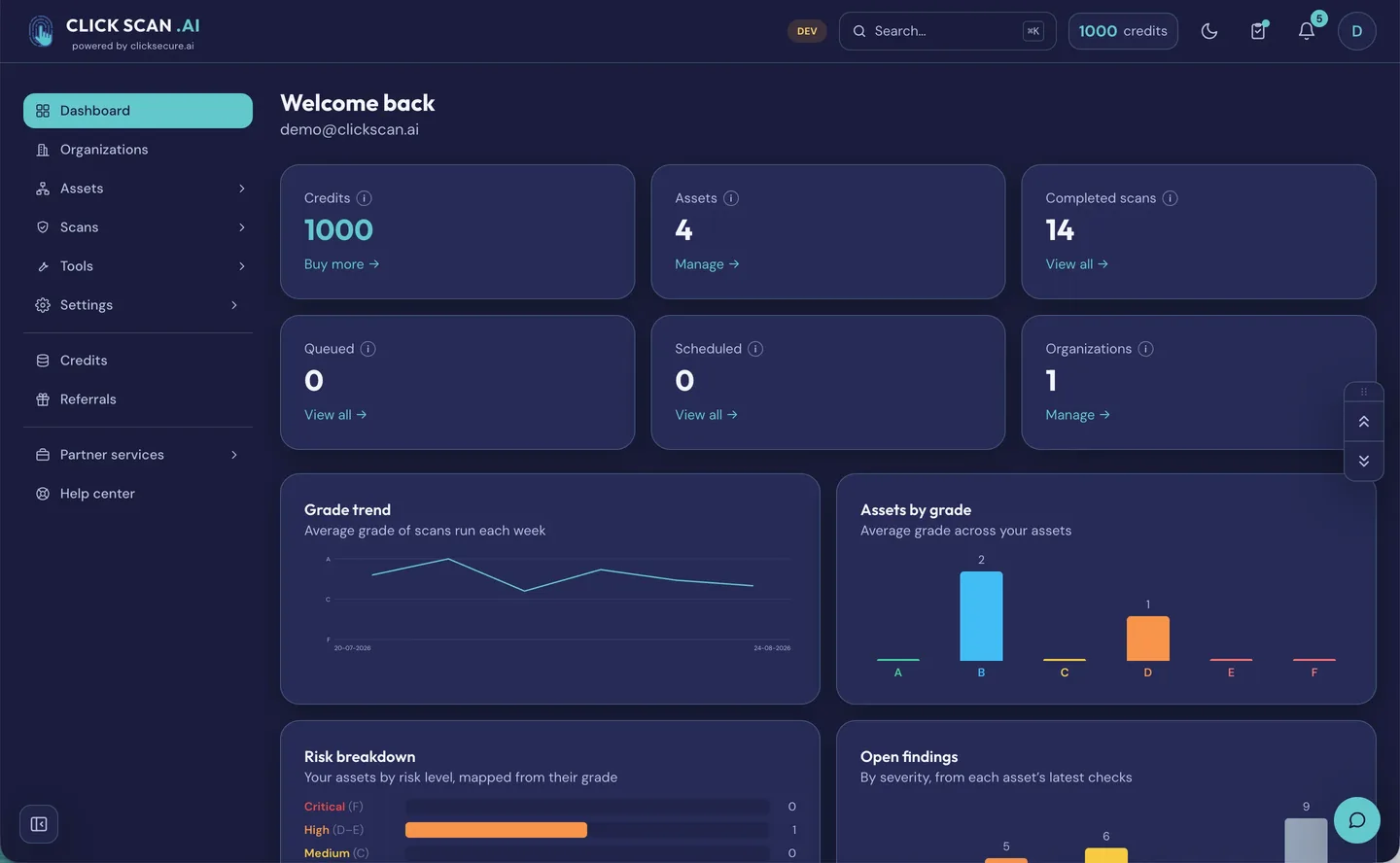
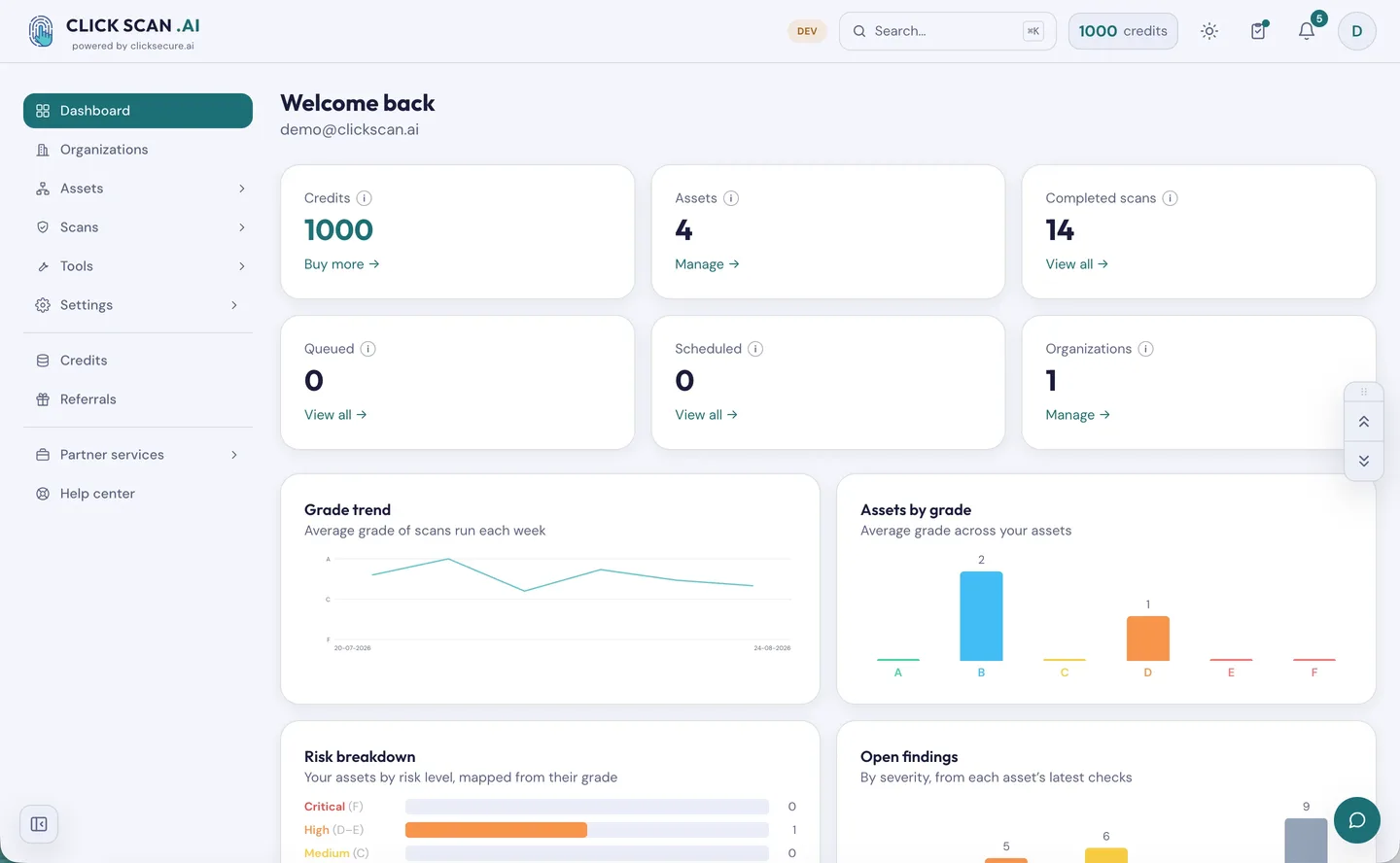
The dashboard answers the questions a report cannot: which assets are worst, how much of your estate has actually been checked, and whether the picture is improving. Screens are from a demo account.
Not live yet — but here is exactly what is coming
ClickScan is in final testing. Nothing described here is available to the public today; we would rather say so plainly than have you find out after signing up. What follows is what the platform does, in the order we are shipping it. The product page carries the same detail, and clickscan.ai is its own home.
The checks
SSL/TLS certificate and encryption. Is your HTTPS valid, trusted and modern? Certificate expiry and trust chain, every protocol version and cipher suite your server actually accepts, forward secrecy, HSTS, OCSP stapling, certificate transparency and CAA — graded from A+ down to F. Named weaknesses are actively probed, not guessed: Heartbleed, POODLE, ROBOT, DROWN, Logjam, CRIME, Ticketbleed, CCS injection, insecure renegotiation and the CBC padding-oracle family. If we cannot complete a test, the report says "not tested" rather than quietly passing you.
HTTP security headers. Whether your site sends the response headers that protect your visitors — HSTS, Content-Security-Policy, X-Frame-Options, X-Content-Type-Options, Referrer-Policy, Permissions-Policy — plus the cross-origin isolation headers, anything deprecated, and the headers that quietly advertise which software and version you are running.
Email security (SPF, DKIM, DMARC). Can scammers send email as you? We check your mail servers and your full email authentication set: MX, SPF, DKIM, DMARC, MTA-STS, TLS-RPT and BIMI. The report carries the raw DNS answers we read, plus a generator that writes out the exact records to paste into your DNS panel — already filled in with your domain.
Email spoofing test. We actually try to deliver a forged message to your own domain and show you whether it got through. Proof, not theory. It is one fixed, plain-text message that explains itself, and it can only ever be sent to an address at the domain being tested. If your mail server refuses it for the wrong reason, we report the test as inconclusive rather than calling it a pass — a false all-clear is worse than no test.
Email breach exposure. Which known breaches one of your addresses appears in, and what types of data each one held. A mailbox is an asset in its own right here, so it gets the same history, scheduling and reports as a domain. We never receive the breached values themselves.
Brand Impersonation Monitor. Which domains somebody has registered to look like yours — and, more usefully, which of them are actually dangerous. Thousands of variations of your name are generated and resolved against DNS, mail servers and the public certificate logs, and each one gets a verdict: yours, another company's brand protection, parked, or live and able to receive mail. The report leads with how many are worth acting on rather than how many exist, and the findings export as STIX or YARA for your own blocklists.
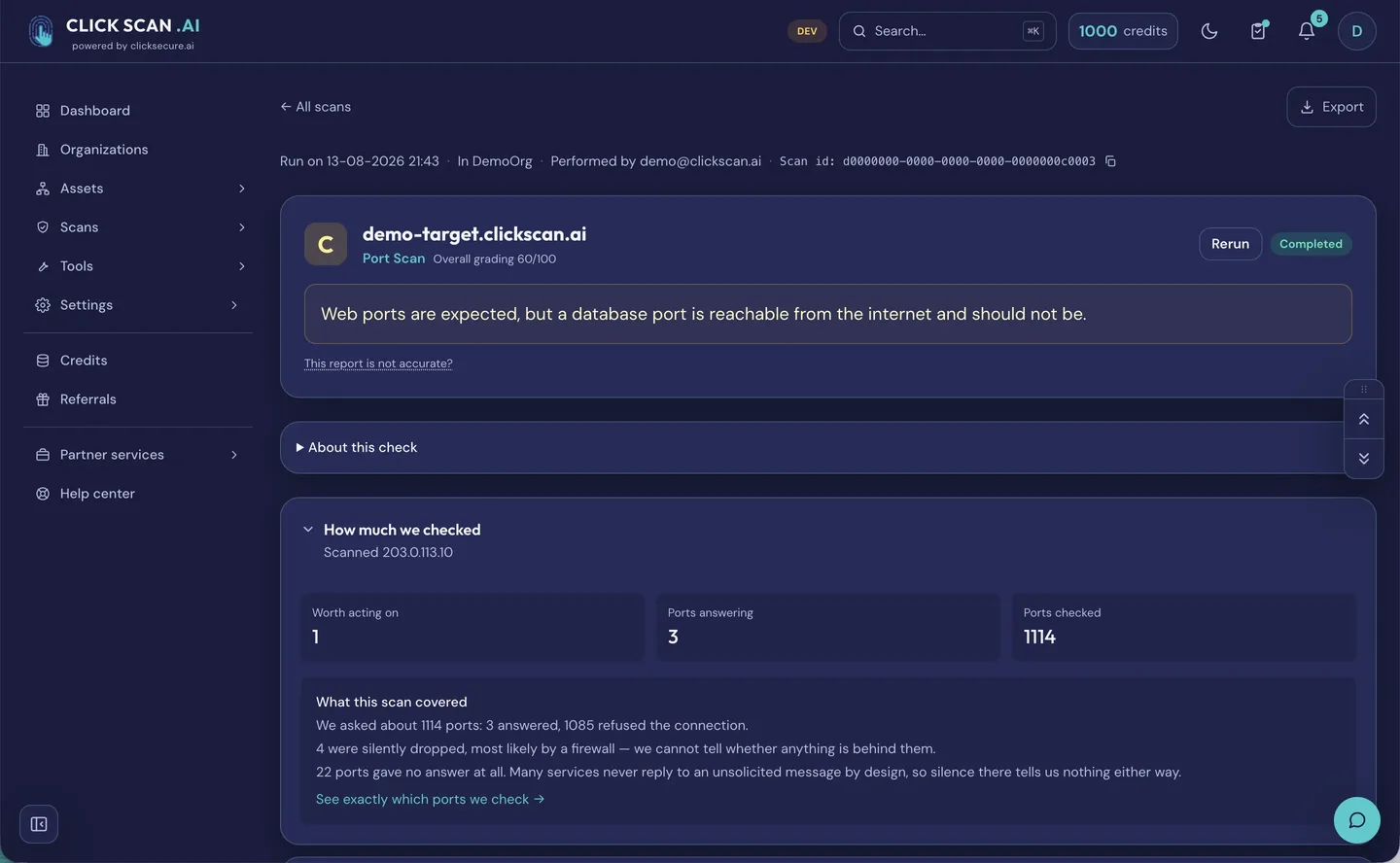
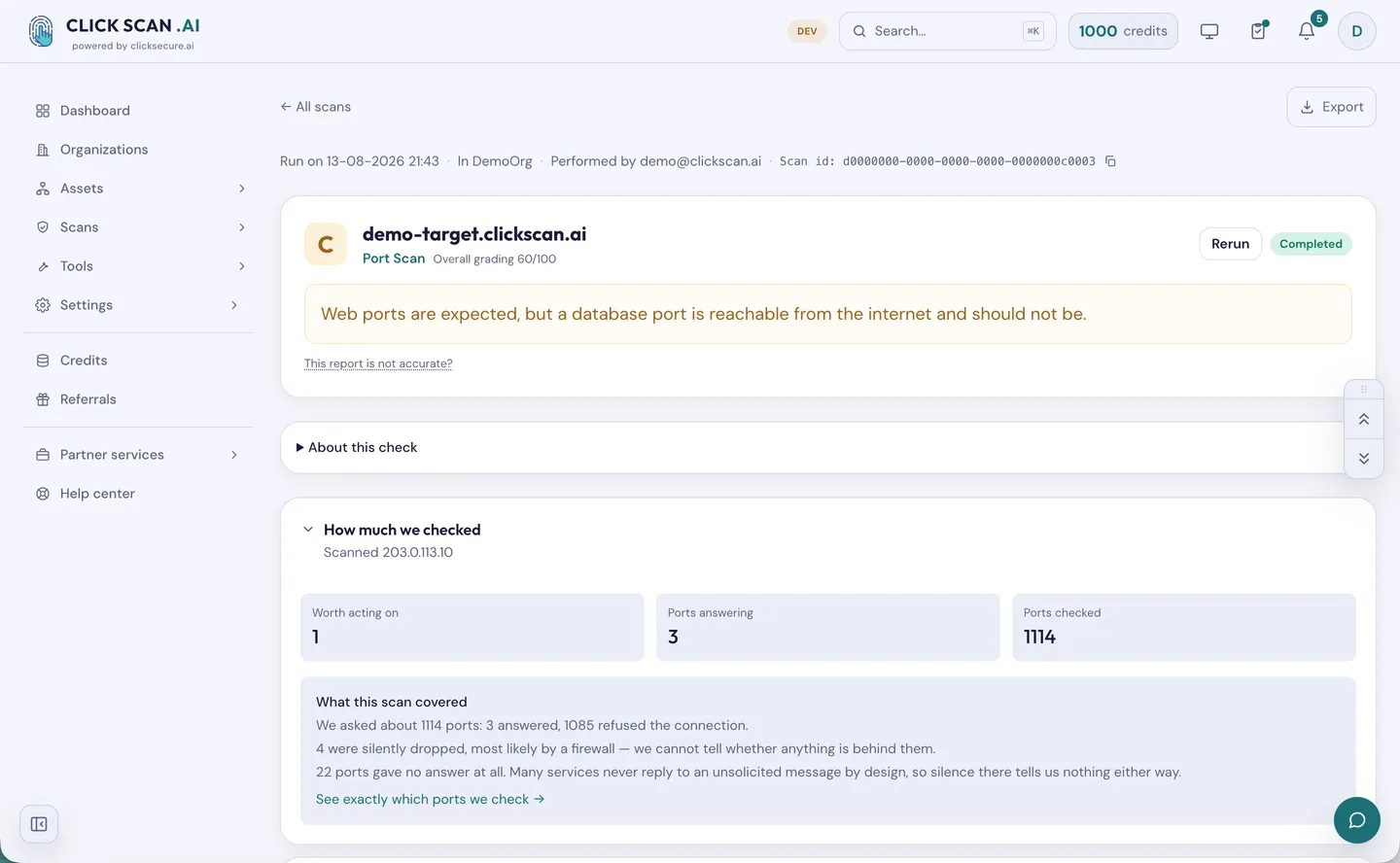
Port Scan. Which ports on a host are reachable from the internet, and what is answering on them. It connects to your infrastructure, so the asset has to be proven yours first.
More checks are on the way. We list one the day it runs, not the day it is planned — if you need something specific, tell us.
Around the checks: the platform
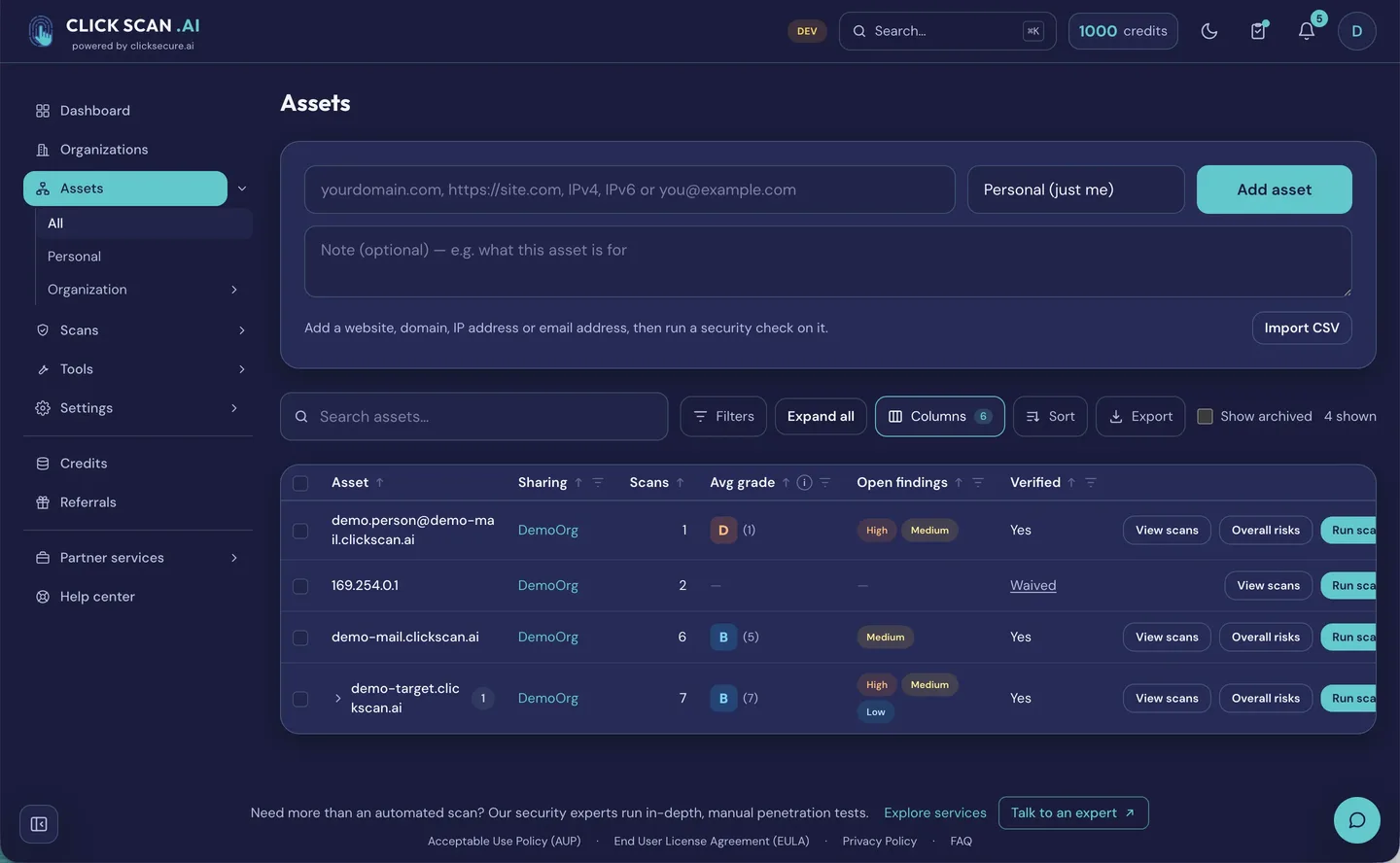
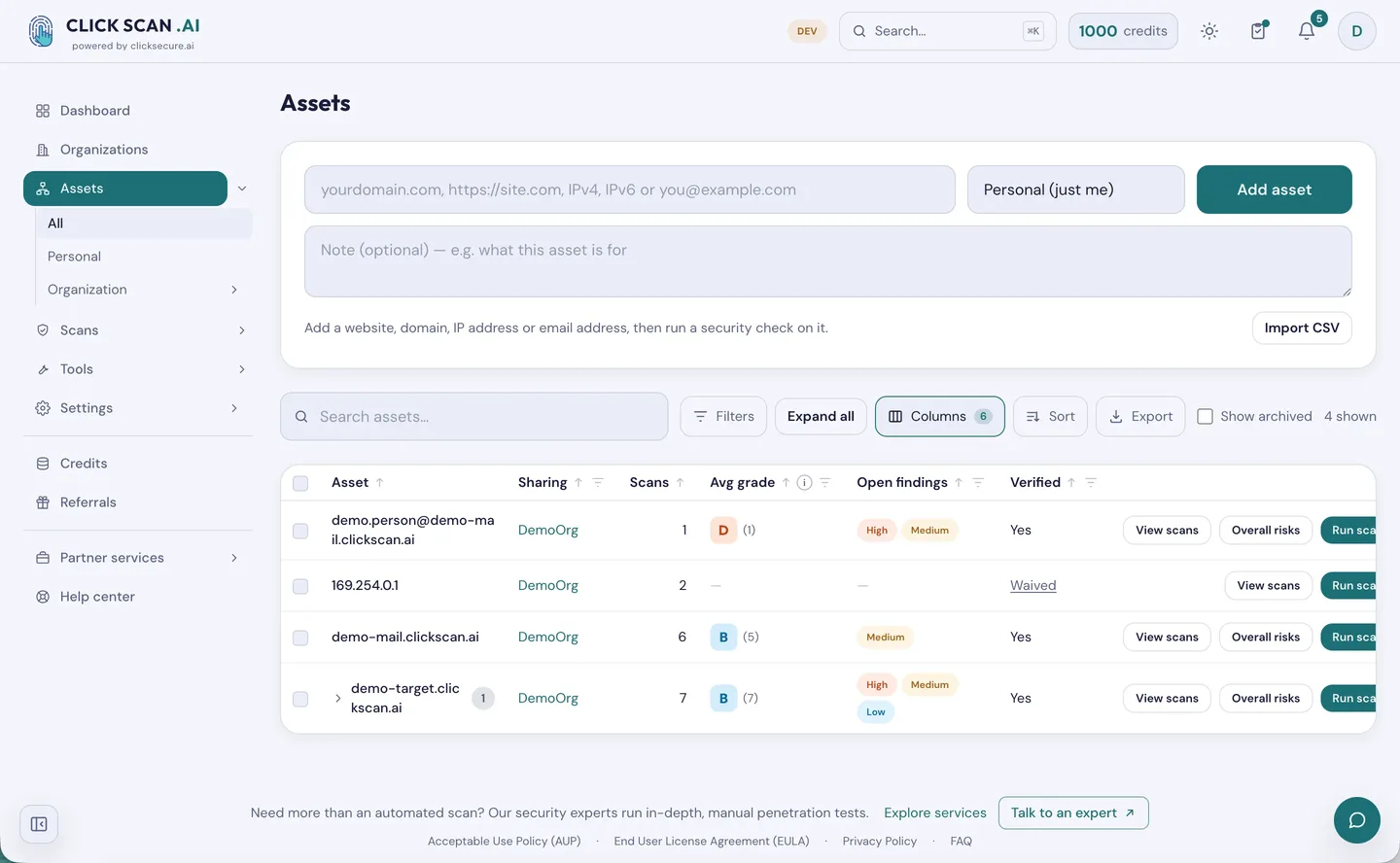
- Assets you actually own. An inventory of the domains, IP addresses and mailboxes you watch, imported and exported as CSV. For the deeper checks we ask you to prove an asset is yours — a DNS TXT record, a file at
/.well-known/, a code emailed to an address at the domain, a callback from the IP itself, or reverse DNS. - On demand, booked, or recurring. Run a check now, book it for a date and time in your own time zone, or repeat it daily, weekly or monthly at a discount — so continuous monitoring stays cheap.
- Your whole estate in one go. Select many assets and many checks at once; the wizard asks only for what each one needs and shows the total cost before you spend a credit.
- Reports people actually read. An A+ to F grade, a line naming the finding that drove it, and findings written as "what you have / how bad it is / what to do" — each marked with how we know it, whether we proved it or read it from a published record. The cipher tables, raw DNS answers and per-weakness verdicts sit underneath for whoever wants the evidence. Export one scan, or one report covering every check on an asset, as an executive summary or in full.
- What changed since last time. Each scan is compared with the previous one for the same asset and check, and you hear from us only when something actually moved.
- "We know, that one is fine." Mark a finding as not applicable on one asset, with a reason on the record. It always expires, it never changes the grade, and it is hidden rather than deleted.
- Your brand on the report. Agencies and consultants can put their own logo and colour on the PDFs.
- Alerts before the problem. Certificate expiry warnings at 30, 7 and 1 day, and again if it lapses; scan results; changes. In the app and by email.
- One view of your exposure. A dashboard covering which assets are worst, how many open findings and how serious, how much of what you own has been checked, and whether your grades are improving.
What it costs
Pay as you go. You buy credits and spend them on the scans you actually run — no subscription, no per-seat fee, no lock-in. New accounts get free starter credits, recurring runs are discounted, and referrals earn credits for both sides. A scan that fails is refunded automatically, and a check that had nothing to test is graded "not applicable" and refunded rather than sold to you as a good result. Credits you pay for do not expire; free ones last twelve months and are always spent first.
Who it is for
- Freelancers and solo makers — check your own sites and your clients' without hiring a pentester.
- Startups — ship fast without leaving security behind, on a startup budget.
- SMEs and IT teams — watch your domains, certificates and email without a dedicated security team, with reports for management.
- Agencies and MSPs — monitor every client from one place using separate groups, and hand each a clear, branded report.
- Enterprise and security teams — lightweight, continuous external monitoring alongside your existing stack.
- Bug bounty hunters and researchers — fast recon on authorized targets, graded and exportable.
Where automation stops
We are not going to pretend a scanner replaces us. ClickScan tells you whether your configuration is sound; it does not chain three low-severity findings into a path to your database, reason about your business logic, or write the evidence pack an auditor wants for NIS 2 or DORA. That is what our penetration testing and audit and compliance work is for.
The honest split is this: automation for the things that should be checked every week, people for the things that need judgement. Most organizations need both, and until now we could only sell them one.
Be first in
ClickScan is live and open to everyone — no invitation and no waiting list. Create an account, add your first asset, and read a plain-language report a couple of minutes later. Free starter credits, no card. Prefer to talk it through first? Talk to us.