
ClickScan is live and open to everyone. No invitation, no waiting list, no card. Public sign-up opened on 27 August 2026, and every check listed below runs today.
If you have worked with us before, you know ClickSecure.AI as people: penetration testers, auditors, trainers. ClickScan is the other half — the automated, self-serve product that watches what you expose to the internet between the engagements we run by hand. This post is about where the line sits, because that is the question we get most.
What ClickScan checks
Eleven external checks, each graded A+ to F:
- SSL/TLS certificates and encryption — expiry and trust chain, protocol versions and cipher suites, forward secrecy, HSTS, OCSP stapling, certificate transparency and CAA. Named weaknesses (Heartbleed, POODLE, ROBOT, DROWN, Logjam and others) are actively probed, and anything not tested is reported as not tested rather than as a pass.
- HTTP security headers — HSTS, Content-Security-Policy, X-Frame-Options, X-Content-Type-Options, Referrer-Policy, Permissions-Policy, cross-origin isolation, and headers that disclose software versions.
- Email authentication — MX, SPF, DKIM, DMARC, MTA-STS, TLS-RPT and BIMI, with the raw DNS answers in the report and a generator that writes the exact records to publish.
- A live spoofing test — an actual forged message delivered to, or refused by, the domain under test. A refusal for the wrong reason is reported as inconclusive, never as a pass.
- Email breach exposure — which known breaches an address appears in, and what types of data each held. The breached values themselves are never received or stored.
- Brand Impersonation Monitor, in two tiers — thousands of look-alike and typosquatted name variations resolved against DNS, mail servers, certificate transparency and live content, with STIX 2.1 and YARA export.
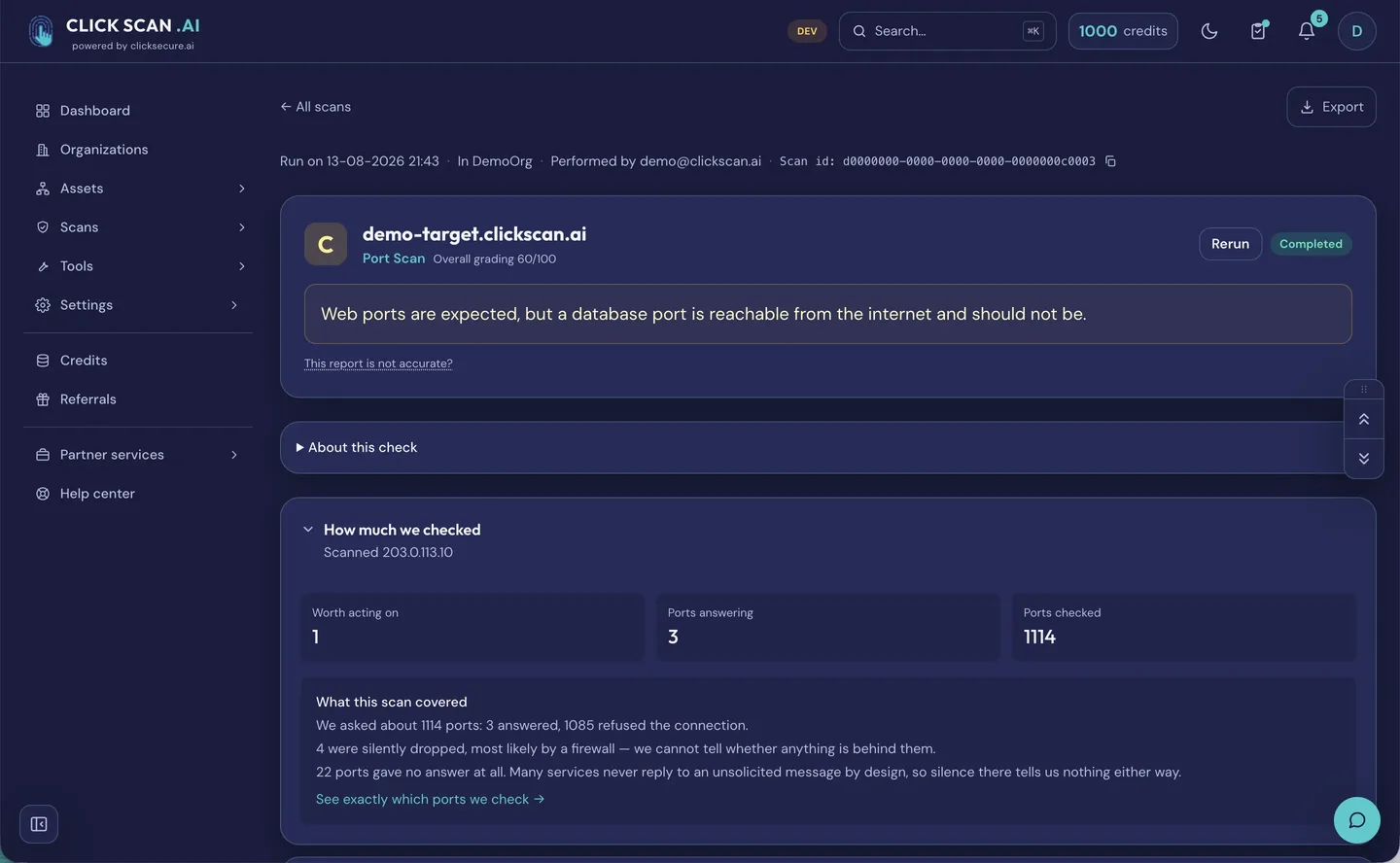
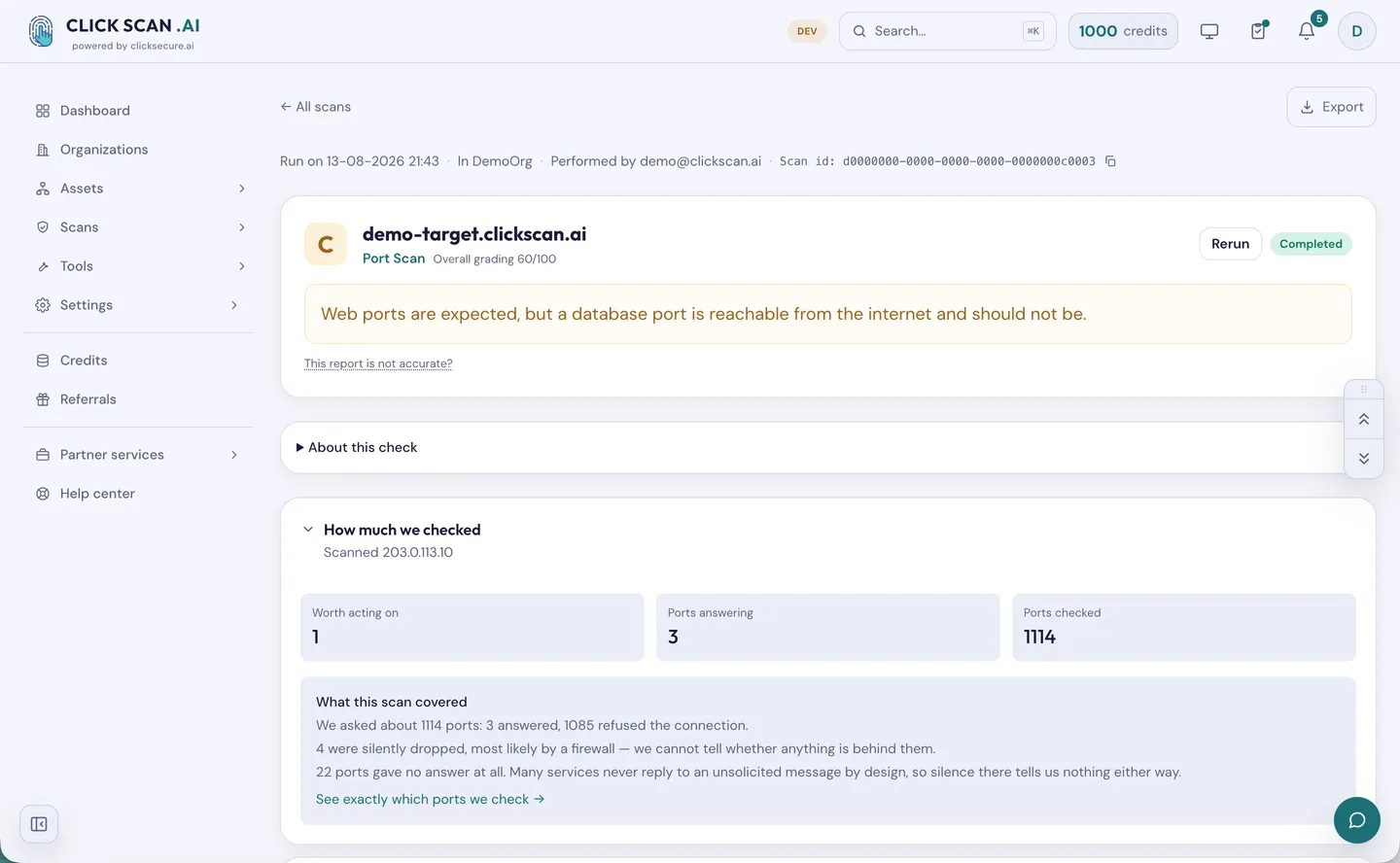
- Port scan, in two tiers — what is reachable from the internet and what is answering on it.
- Subdomain discovery, in two tiers — the forgotten names, and the ones still pointing at a cloud service nobody pays for any more, which anybody can claim.
The port scan, the live spoofing test and the breach lookup require proven ownership of the asset first — a DNS TXT record, a file at /.well-known/, a code emailed to an address at the domain, a callback from the IP, or reverse DNS. That is the line between reading what is published and touching a host.
White-label reports, for partners
If you resell security services, two capabilities exist specifically for delivering to more than one client.
Your brand on the deliverable. Logo and colour on every downloadable report, set per client organization and reviewed before it goes live. One limit stated plainly, because it is better said here than discovered during a handover: what is branded is the PDF the client reads. The application, its domain and its notifications stay ClickScan.
One organization per client. Assets, scans, reports, history and schedules separated per client, with four roles — owner, admin, member, viewer. An asset moves between organizations without losing its history, an owner can fund a named member's scans so a client's analyst needs no card of their own, and there is no per-seat charge.
A brochure, the proposed partner terms, a sample branded report and a pricing calculator are sent on request. Partner discounts are negotiated on volume rather than published. The detail is on the ClickScan platform page.
Where the checklists fit
Our NIS 2 and DORA readiness checklist is the free starting point: it walks Article 21 and the DORA pillars and tells you what evidence an auditor will ask for.
A checklist tells you what you should be able to prove. ClickScan is one way to keep proving it without a person re-running the same checks by hand every month:
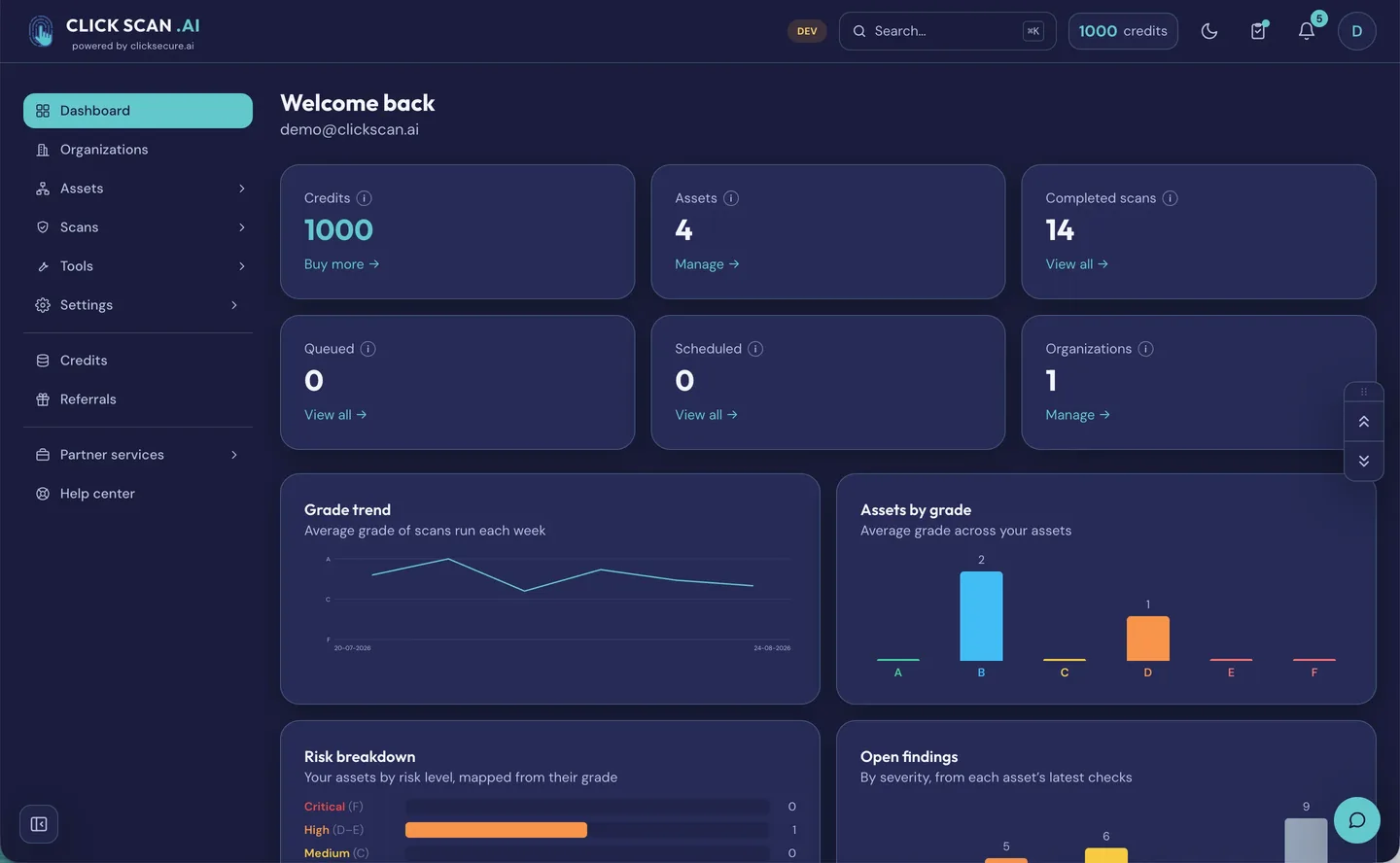
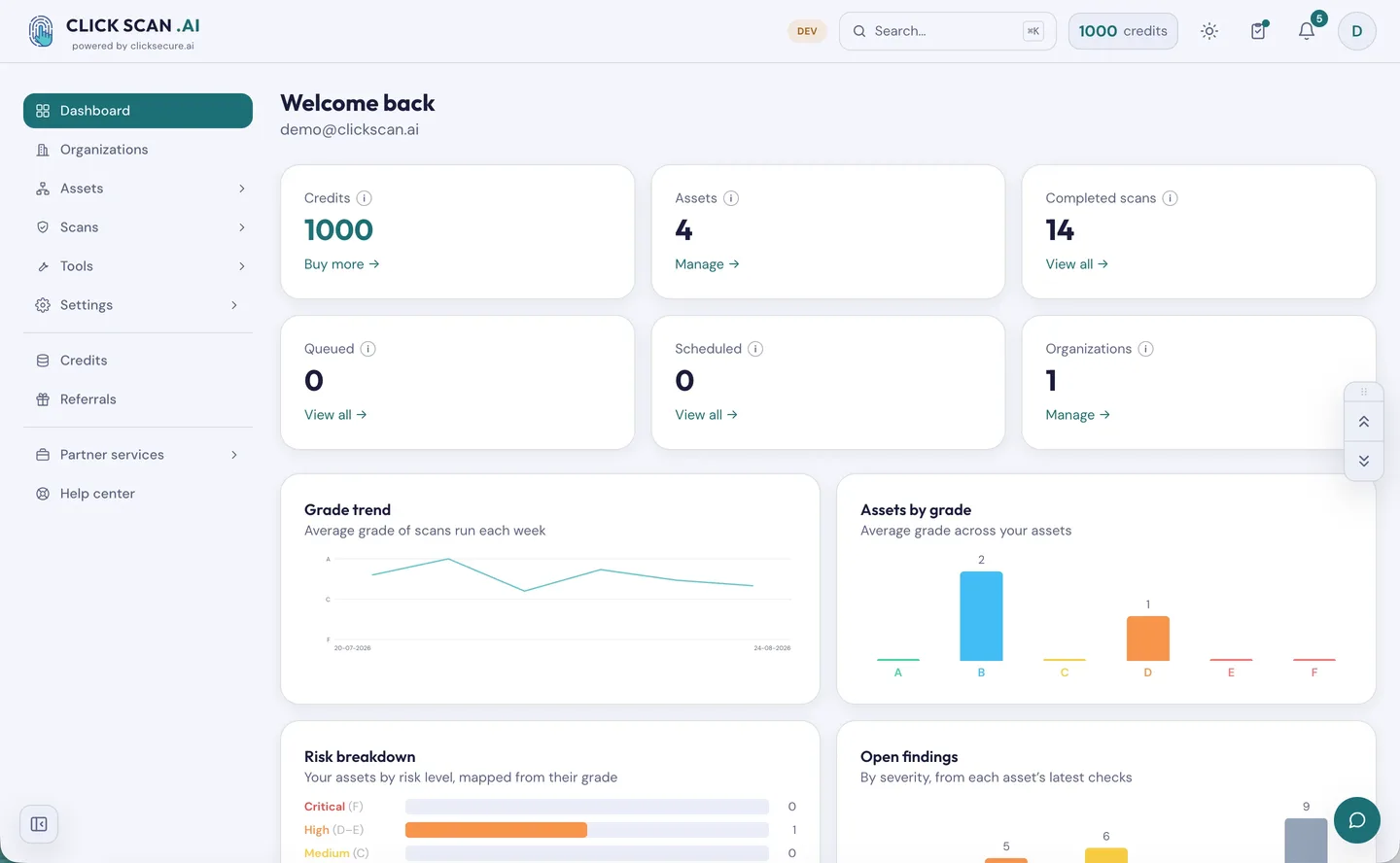
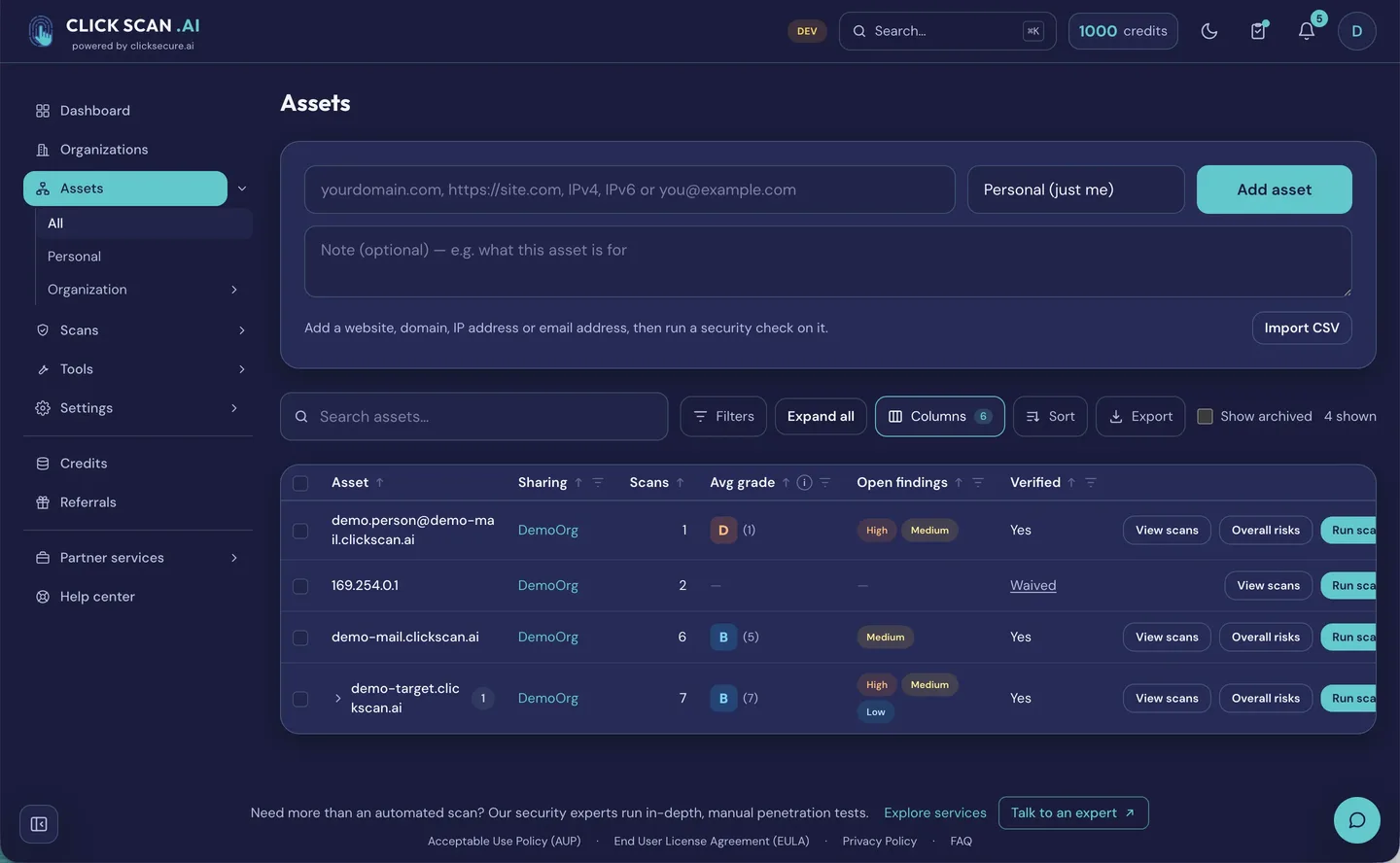
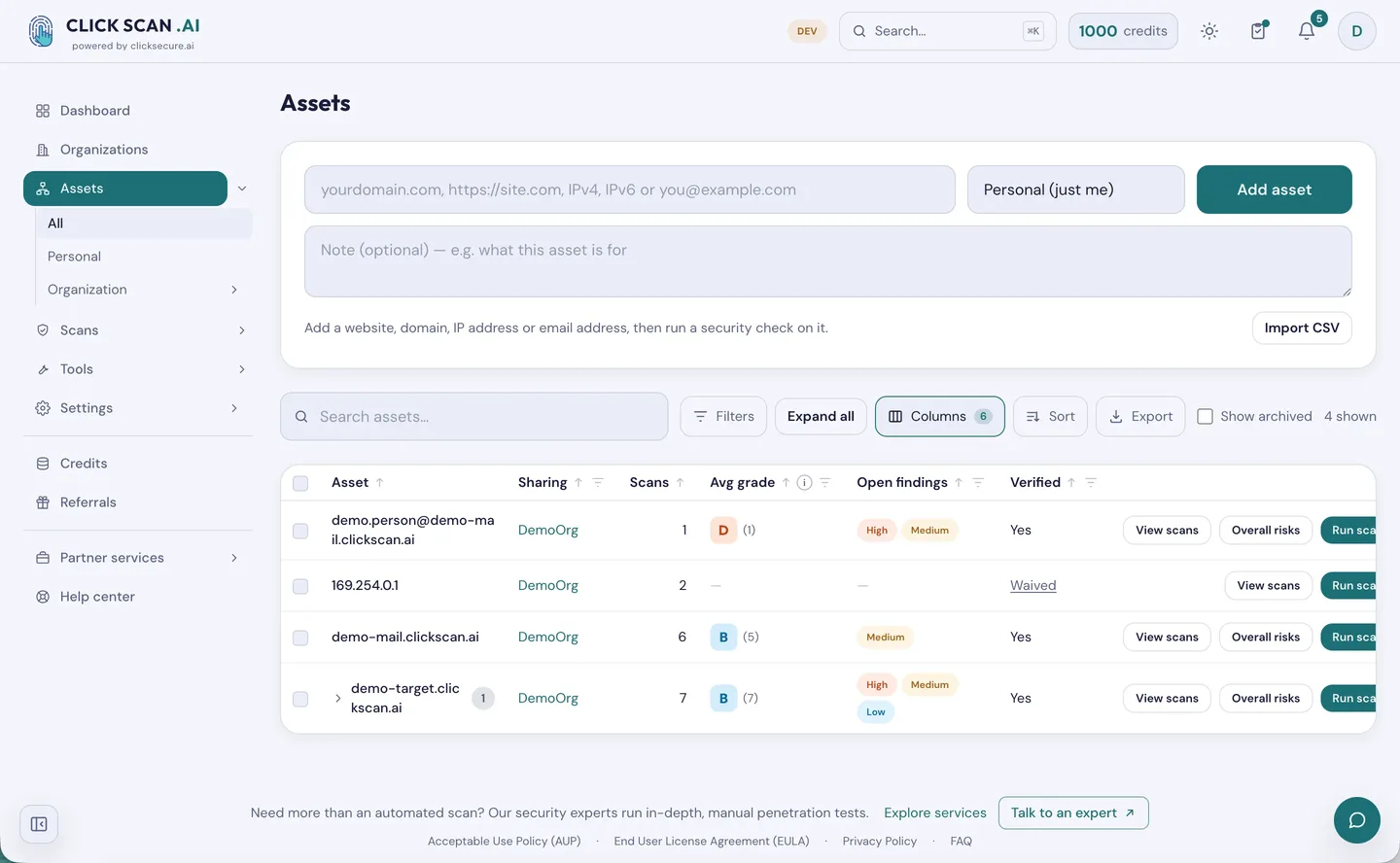
- Continuous evidence, not a snapshot. Scans run on demand, booked for a date and time, or repeated daily, weekly or monthly. Between two runs of the same check, change detection reports what moved — and notifies only when something did.
- Something to hand an auditor. Plain-language A+–F reports naming the finding that drove the grade, its severity, and whether we proved it or read it from a published record. PDF export per scan, and a combined per-asset report as executive summary or full detail.
- A defensible record of exceptions. A finding that genuinely does not apply can be marked as such, with a reason and an expiry, and it stops affecting the grade.
None of that replaces a penetration test, and we would rather say so than sell you the idea that it does. A scanner establishes what is exposed and misconfigured. It does not chain three low-severity findings into a business-logic compromise, and it does not tell you what an attacker would do with the access it found. That remains an engagement with people.
Two rules about the grade
These matter more than the check count, because they decide whether a report is worth trusting.
Third-party data never sets the grade. Some of what a report shows was observed by somebody else — for example what a public internet-wide index already publishes about your addresses. It is shown, because it is exactly what an attacker learns for free, and it is kept out of the grade. Your grade reflects only what ClickScan tested itself, and third-party observations are counted separately from your own findings.
Every reference list carries a date. Any list we did not write ourselves records where it came from, when it was last refreshed and how far it is trusted — and that limit is applied where the grade is computed rather than at display time, so an exported report carries it too. Where a list is too stale to rely on, the check says nothing instead of guessing.
Trying it
Every new account gets free starter credits, so a first scan costs nothing. Pay-as-you-go after that: no subscription and no per-seat fee, credits you buy never expire, free credits last twelve months and are spent first. A scan that fails is refunded, and a check with nothing to test is graded "not applicable" and refunded too. Sign-in is passwordless — a one-time code to your email address. Prices are shown in the app before you pay.
Start at app.clickscan.ai, see everything it checks at clickscan.ai/what-it-checks/, or talk to us if you would rather we ran the first one with you.